Maximizing Battery Life: Optimization Tips for Mobile Devices
The Importance of Battery Life
In today’s technology-driven world, the reliance on mobile devices has reached unprecedented levels. Smartphones and tablets are no longer just tools for communication; they have become essential for navigation, work, socialization, and entertainment. As a result, the longevity of your mobile device’s battery has taken center stage in user concerns. An efficient battery not only enhances productivity but also ensures you remain connected when it matters most.
Factors Contributing to Battery Drain
Understanding the culprits behind battery drain is crucial in devising strategies to enhance battery efficiency. Here are some primary factors that can unexpectedly deplete your device’s power:
- High screen brightness: Bright screens are visually appealing but can consume a significant amount of energy. Keeping the display at maximum brightness when it’s not necessary can drastically shorten battery life.
- Background app activity: Many applications continue to run in the background, performing tasks like syncing data or sending notifications. This constant activity can lead to substantial battery drain, even when the app is not actively in use.
- Location services: GPS technology is crucial for navigation applications but can be a major battery hog. Continuous tracking drains power swiftly, especially in applications that utilize location data extensively.
- Push notifications: While they keep you updated on important alerts, each ping from notifications consumes a slight amount of battery. For apps that do not require immediate updates, it may be wise to adjust these settings.
Effective Strategies for Battery Optimization
By addressing the aforementioned factors, users can implement straightforward techniques to enhance battery performance without sacrificing functionality. Here are some actionable tips:
- Dimming the screen or using adaptive brightness: Most devices feature an adaptive brightness option that automatically adjusts screen brightness based on surrounding light conditions. This can lead to a significant increase in battery longevity.
- Restricting background app refresh: Go into the settings of your device to limit which apps can update while in the background. This simple adjustment can lead to noticeable battery savings.
- Turning off location services when not in use: Keep location services disabled for apps that do not require constant GPS tracking. Only enable them when necessary to help conserve battery life.
- Disabling unnecessary notifications: Reviewing and disabling notifications for non-essential apps can limit battery drainage and reduce distractions, providing a smoother user experience.
Taking the time to explore and implement these optimization tips can profoundly impact your device’s usability. As modern society becomes increasingly dependent on mobile technology, maximizing battery life is not just a luxury—it’s a necessity for maintaining connectivity and productivity in our fast-paced lives.
DISCOVER MORE: Click here for tips on optimizing cloud storage
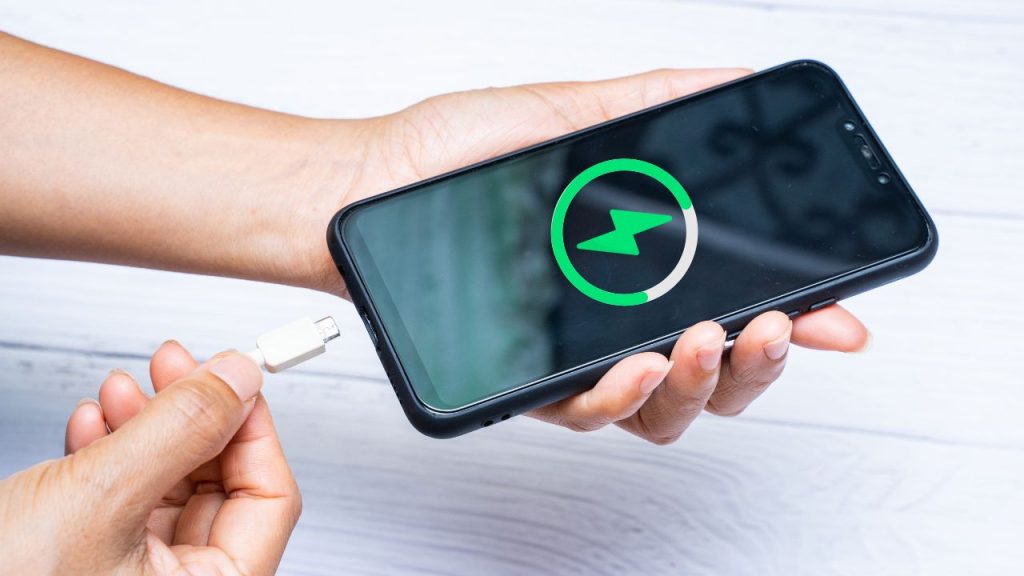
Understanding Battery Performance
Battery performance is not just a measure of how long a device can last between charges—it’s a reflection of how effectively a user can navigate their daily routines while remaining plugged into the world. In a recent study, it was revealed that over 70% of smartphone users experience anxiety related to their device’s battery life, indicating a significant psychological factor tied to power management. With constant access to social media, emails, and navigation apps, optimizing your mobile device’s battery is paramount.
The Science Behind Battery Drain
The batteries that power your devices have improved significantly over the years, but they are still susceptible to the same basic principles of energy consumption. Understanding how your battery works can lead to more effective strategies for maximizing battery life. Here are a few key insights:
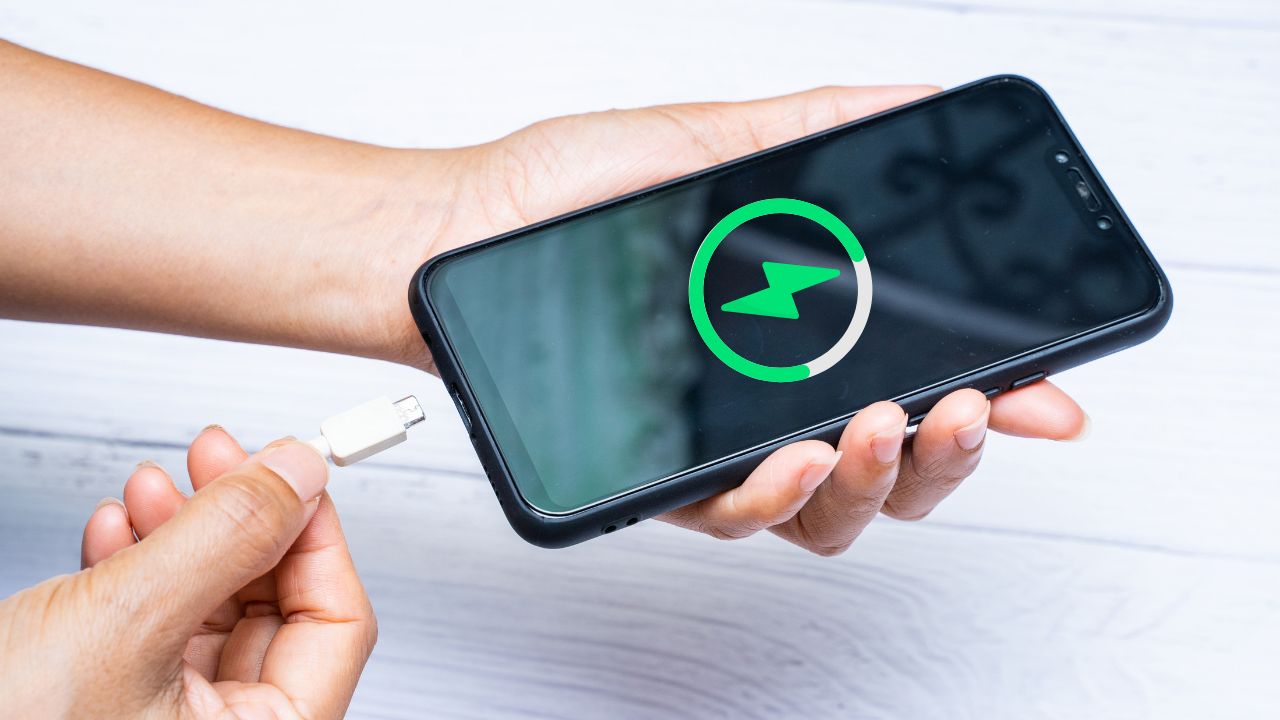
- Battery chemistry: Most modern mobile devices utilize lithium-ion batteries. These batteries perform optimally when they are continuously charged between 20% and 80%. Constantly letting the battery drain to zero or charging it to 100% can shorten its lifespan.
- Temperature sensitivity: Extreme temperatures can adversely affect battery performance. High heat can cause the battery to degrade more quickly, while extreme cold can lead to sudden power loss. Keeping your device at moderate temperatures helps maintain its health.
- Resource-intensive applications: Certain applications require extensive computing power, leading to increased battery drain. Video streaming, gaming, and augmented reality apps tend to be among the heaviest consumers of battery life. Understanding which apps drain power can empower users to make informed decisions about their usage.
Simple Adjustments for Enhanced Longevity
Implementing a few adjustments can lead to significant contributions toward a longer-lasting battery life. Here are some strategies worth considering:
- Utilizing battery-saver mode: Many devices come equipped with a battery-saver or low-power mode that limits background activity and adjusts performance settings to conserve energy.
- Closing unused apps: Before putting your device away, ensure that you are closing apps that are no longer in use. This will limit unnecessary background processes that can rapidly sap power.
- Managing connectivity settings: Toggle off Wi-Fi, Bluetooth, and mobile data when they’re not in use. Each of these connectivity features, when kept on constantly, works continuously to seek connections, leading to battery drainage.
Being proactive in managing your mobile device’s battery consumption not only enhances its performance but also extends its lifespan. As we increasingly rely on our mobile devices in both professional and personal capacities, understanding and optimizing battery life becomes not just a necessity, but a pivotal aspect of efficient mobile usage.
Maximizing Battery Life: Optimization Tips for Mobile Devices
As mobile devices become an integral part of our daily lives, understanding how to maximize battery life is essential. Implementing simple yet effective strategies can greatly enhance the efficiency of your device’s energy consumption.
| Optimization Tips | Benefits |
|---|---|
| Adjust Screen Brightness | Enhances visibility while reducing energy drain. |
| Limit Background App Refresh | Saves power by preventing apps from updating in the background. |
| Activate Battery Saver Mode | Extends battery life by minimizing device performance. |
| Close Unused Apps | Reduces resource consumption and maximizes battery longevity. |
By adopting these optimization strategies, users can not only extend the usage time of their devices but also improve overall performance. This proactive approach to managing battery life enhances convenience and ensures your device remains functional whenever you need it. Explore additional methods and insights to fine-tune your experience and enjoy the full potential of your mobile device.
DISCOVER MORE: Click here for expert tips
Advanced Strategies for Battery Efficiency
While basic adjustments can lead to improvements in battery life, there are more advanced strategies that can elevate your device’s efficiency to a whole new level. For tech-savvy users or those willing to delve deeper, consider the following techniques:
Understanding App Management
Every application has its own power consumption profile. Therefore, gaining a deeper understanding of app management can significantly influence battery performance. Here are some expert tips:
- Use Battery Usage Stats: Most devices come equipped with a feature that allows users to view battery consumption statistics. By checking which apps consume the most juice, you can decide to uninstall, limit, or schedule their use during peak battery hours.
- Disable Background App Refresh: Many apps refresh content in the background, which can use up precious battery life. Go to your settings to turn off background refresh for less critical applications, only allowing important ones to update while you’re on Wi-Fi.
- Consider Light Versions of Apps: Many popular applications offer ‘lite’ versions designed to use fewer resources. For example, Facebook Lite uses significantly less battery and data than the standard app, making it an ideal alternative for users who prioritize efficiency.
Optimizing Display Settings
Your device’s display is one of the biggest battery drainers. Adjusting your settings can yield significant results:
- Lower Screen Brightness: Manually adjust the brightness level or set it to auto-adjust based on ambient light. A lower brightness setting can increase battery life considerably, especially in low-light conditions.
- Use Dark Mode: Activating dark mode—available on most modern operating systems—can improve battery life on OLED or AMOLED screens by preventing individual pixels from lighting up. This simple switch can have an outsized impact on reducing battery drain.
- Reduce Screen Timeout: Set a shorter screen timeout duration so that the display turns off automatically when not in use. This reduces unnecessary energy consumption and helps prolong battery life.
Hardware Considerations for Maximum Longevity
Sometimes, upgrades or changes at the hardware level can contribute significantly to your mobile device’s battery efficiency:
- Invest in a Battery Health App: For avid users, applications that monitor battery health can provide in-depth insights and alerts about battery state. These tools can help you make informed decisions, from limiting charging cycles to understanding better charging habits.
- Consider External Battery Packs: If you frequently find yourself running low on charge throughout the day, an external battery pack or power bank can be a lifesaver. Opt for one with high capacity for added assurance during long outings.
- Stay Updated: Operating system and app updates often contain optimizations and bug fixes that can enhance battery life. Ensure that your mobile device is running the latest software and application versions for up-to-date performance.
By implementing these advanced techniques and remaining vigilant about your device’s energy consumption, you can significantly extend its battery life. In a world where staying connected is crucial, being proactive about battery management not only enhances your experience but can also prevent those dreaded moments of low power notifications.
DIVE DEEPER: Click here to optimize your cloud storage costs
Conclusion
In an age where our mobile devices serve as lifelines to communication, entertainment, and information, maximizing battery life has become essential for maintaining productivity and staying connected. The strategies discussed—from basic adjustments like screen brightness and background app management to advanced insights on app usage and hardware considerations—provide a comprehensive approach to enhance battery efficiency.
By implementing these optimization tips, users can not only prolong daily usage but also foster healthier battery habits. Regularly monitoring battery usage stats, opting for light versions of applications, and investing in battery health apps are great ways to better manage your device’s energy consumption. Additionally, embracing features like dark mode and controlling display settings can yield substantial improvements in battery longevity.
As technology continues to evolve, remaining updated with the latest software and app versions is crucial for taking advantage of built-in optimizations that can further extend battery life. Ultimately, staying informed and proactive about battery care allows users to avoid those frustrating low power notifications and enhances overall mobile experience.
To truly harness the potential of your smartphone, remember that battery management is not merely about making it through the day; it’s about enjoying the seamless connectivity that drives our daily lives. Delve further into battery efficiency practices, and discover a world where staying powered up is effortless and stress-free.

Beatriz Johnson is a seasoned tech writer and digital tools expert with a passion for simplifying the complexities of technology and mobile applications. With over a decade of experience in the tech industry, she specializes in topics like productivity apps, software reviews, and emerging digital trends. Through her work, Beatriz empowers readers to make informed technology choices and stay ahead in the ever-changing world of apps and innovation.