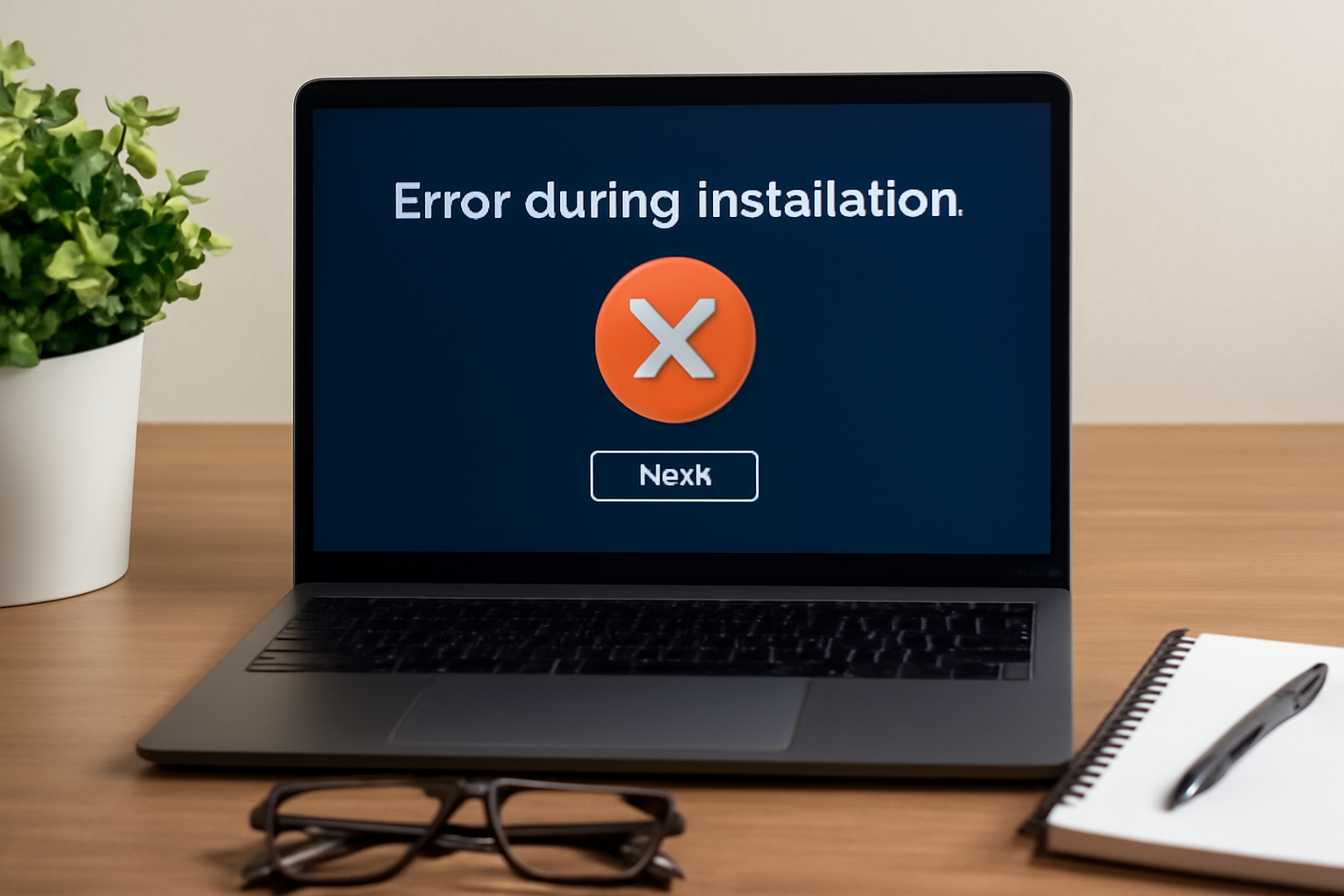
How to Identify and Resolve Common Problems After Software Updates
Understanding Software Update Challenges
In today’s digital landscape, software updates are vital. They not only enhance performance and introduce new features but also fortify security measures against emerging threats. However, the landscape of updates is not always smooth; they can inadvertently bring along a wave of unexpected issues that can disrupt a user’s experience. The art of identifying and resolving these problems is essential for maintaining a streamlined workflow and ensuring users can comfortably navigate their digital environments.
Common Post-Update Issues
After an update, users might face several challenges that can hinder their operating experience. Here are some of the most frequent issues one might encounter:
- Compatibility Issues: Compatibility challenges can arise when new software versions clash with existing hardware or other installed applications. For example, a recent update to an operating system might render an older version of a critical software application inoperable, forcing users to choose between upgrading the software or risking functionality. This can be particularly frustrating for professionals who rely on specific tools for their daily tasks.
- Performance Declines: It is not uncommon for systems to experience a decline in performance following updates. Users may notice lagging responses from applications, slow booting times, or increased system resource usage. Such performance issues can be especially apparent on older devices that may struggle to cope with the new demands placed upon them by the latest software version.
- Bugs and Glitches: Despite rigorous testing, new features can frequently lead to unforeseen bugs and glitches. For instance, an update introduced to enhance user interface features might inadvertently cause flickering screens or incorrect file saving behaviors. These glitches can be annoying and may disrupt the user’s workflow, requiring a quick resolution.
Troubleshooting Strategies
Being equipped with effective troubleshooting strategies can make navigating these issues less daunting. Here are some crucial steps users can take:
- Monitoring System Behavior: After an update, users should proactively monitor system performance and behavior. Documenting any changes, such as the occurrence of slowdowns or glitches, can help pinpoint the source of issues much faster.
- Consulting Official Resources: Developers often provide official documentation and support forums that can be extremely helpful. These resources can offer insights into known issues and updates, as well as provide fixes or workarounds that other users have successfully implemented.
- Engaging in Community Discussions: Participating in community discussions can yield valuable insights. User groups via social media platforms or dedicated forums provide a space to share experiences and solutions, allowing users to benefit from others’ expertise and insights.
With the continual evolution of software, users can expect to confront new challenges. Embracing effective resolution techniques not only mitigates potential frustrations but also empowers users to navigate updates confidently. By staying informed and proactive, users can maintain optimal software performance and enhance their overall digital experience.
DIVE DEEPER: Click here to discover optimization tips
Recognizing Software Update Pitfalls
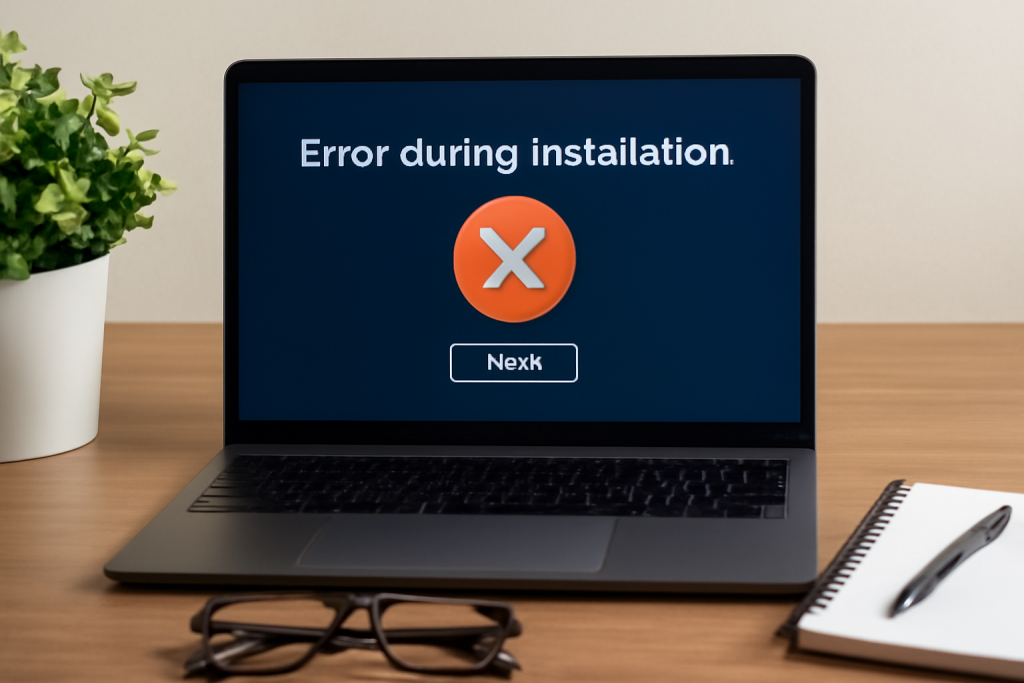
As critical as software updates are, they come with their own set of challenges that can leave users grappling with operational setbacks. To effectively navigate the post-update landscape, it is essential to recognize and understand the common pitfalls that can arise. Not only does this knowledge empower users to respond promptly, but it also helps in minimizing potential disruptions that could impact both personal and professional workflows.
Identifying Specific Issues
Post-update complications can vary widely, impacting everything from individual devices to entire network systems. Below are some specific problems that users might encounter:
- Driver Conflicts: One prevalent issue post-update stems from driver conflicts. When an operating system is updated, it may no longer recognize older drivers that are crucial for hardware functionality. This might result in peripherals like printers, scanners, or graphics cards malfunctioning. Users often find themselves in a bind, having to source updated drivers, or worse, employ outdated hardware until a fix is available.
- Application Failures: As software updates roll out, applications that depend on specific configurations may cease to function properly. For instance, an office productivity suite might exhibit a complete crash upon opening after an operating system upgrade. It’s a frustrating scenario for professionals who rely on these tools for daily productivity.
- Disrupted Network Connectivity: Updates to system software can also impact network connectivity. For example, adjustments to firewall settings or network protocols might inadvertently block internet access, causing panic among users trying to maintain their online activities. This can result in downtime that can be costly for businesses.
Steps to Mitigate Problems
Understanding the nature of these common issues is only the first step. Implementing effective strategies for mitigating problems is equally important. Here are several strategies to consider following a software update:
- Create Backups: Before initiating a software update, it’s advisable to create a backup of critical data and system settings. This provides a safety net, enabling users to revert to a prior state if unexpected issues arise. Regular backups can be life-savers, preventing data loss and reducing downtime.
- Check for Update Patches: Often, software developers will release immediate patches to address the issues that surface after an update. Users should stay vigilant for these patches and apply them as soon as they become available to restore optimal functionality. Regularly checking the developer’s website can be beneficial.
- Conduct Software Rollbacks: If all else fails and issues persist, reverting to a previous software version may be necessary. This rollback can often resolve many problems until a more stable update can be applied or the underlying issues are resolved.
Recognizing and addressing common problems after software updates can prevent unnecessary frustrations and disruptions. By being informed and pro-active, users can maintain smooth operations and harness the benefits of new software enhancements effectively.
After software updates, users often encounter various issues that can disrupt their workflow. Understanding how to identify and effectively resolve these problems is crucial for a seamless experience. From compatibility issues to performance glitches, many users may feel overwhelmed when faced with these challenges. Below, we explore essential tips and techniques to tackle these common problems efficiently.
Identifying Problems Post-Update
One of the first steps in managing issues following a software update is to identify the symptoms. Users should look for signs such as application crashes, slow response times, or unexpected behavior. Keeping an eye on error messages can also provide critical insights into the specific issue at hand. It’s beneficial to take notes of any irregularities immediately after the update, as this can assist technical support teams in diagnosing the problem more quickly.
Checking Compatibility
Software updates can sometimes lead to compatibility issues, particularly if other applications aren’t updated simultaneously. It’s important to verify whether all your software applications, plugins, and drivers are compatible with the updated version. Checking for compatibility on the software vendor’s website or forums can lead to effective solutions. Running a system check or using diagnostic tools can help identify potential issues related to outdated software.
Resolution Techniques
Once the problems are identified, the next step is to resolve them. Here are a few effective strategies:
- Clear Cache and Cookies: Sometimes, software updates can cause cache conflicts. Clearing the cache and cookies can help improve application performance.
- Rollback Updates: If a significant issue is detected post-update, rolling back to a previous version may be necessary until a fix is released.
- Utilize Safe Mode: Running your system in Safe Mode can help diagnose problems without the interference of third-party applications.
Using online forums and community help can also provide insights from users who have faced similar issues, offering additional solutions and innovative troubleshooting methods.
| Category | Description |
|---|---|
| Identification Tools | Leveraging built-in diagnostics and monitoring software can reveal critical elapsed updates and their impacts. |
| Repair Solutions | Utilizing professional repair tools or system restore options can resolve software conflicts effectively. |
By staying proactive and utilizing these strategies, users can significantly reduce the downtime and frustrations that often accompany software updates. Remember that ongoing vigilance and adaptation to new updates can lead to a smoother software experience overall.
DON’T MISS: Click here to discover cost-saving strategies
Proactive Measures for a Seamless Transition
While post-update challenges can be frustrating, implementing proactive measures can significantly reduce their likelihood and impact. Users who take the time to prepare for software updates often find the transition smoother and are better equipped to handle any potential issues that arise.
Establish a Routine Update Schedule
Establishing a routine for checking and applying software updates can mitigate many problems associated with sudden changes. Users should consider setting a specific time—such as once a month or after hours during the week—to evaluate and install updates. This proactive approach not only helps manage the timing of updates but also allows users to monitor any changes in their systems closely.
By consistently reviewing updates, users can maintain an understanding of their devices’ performance and address minor issues before they escalate into major headaches. Additionally, keeping a log of updates applied to software can aid in troubleshooting if complications arise later, creating a direct correlation between the update date and any subsequent issues.
Engage with Community and Support Forums
The wealth of knowledge available in community and support forums should not be underestimated. Users often find that others have encountered similar problems after an update. Websites like Stack Overflow or specific product forums can provide a trove of solutions from those willing to share their experiences.
Leveraging these resources can lead to quick fixes, as many users will post not only their problems but also the remedies that worked for them, including swift steps to resolve the complications. Additionally, keeping abreast of software-specific issues communicated in these forums allows users to prepare for potential disruptions proactively.
Utilize System Monitoring Tools
System monitoring tools are invaluable in identifying issues that may take root after an update. Using diagnostic tools can highlight abnormal system performance, allowing users to detect problems early on. Windows users can benefit from the built-in Task Manager or Resource Monitor, while Mac users can turn to Activity Monitor to evaluate performance metrics.
Third-party applications like CPU-Z or HWMonitor can also provide insights into hardware performance and help users identify driver conflicts or hardware-related issues that may arise post-update. Regular monitoring ensures that users are aware of their systems’ status and can act swiftly at the first signs of trouble.
Develop a Recovery Plan
Even with the best of intentions and preparation, problems may still arise after a software update. Developing a recovery plan is essential for all users, especially businesses that rely on consistent software functionality. A recovery plan typically includes steps on how to revert updates, reinstall applications, and restore system settings.
Familiarizing oneself with recovery options, such as Windows Recovery Environment or macOS Recovery, can be invaluable during a crisis. Being equipped with this knowledge empowers users to respond efficiently and restore functionality with minimal downtime, ensuring that operations remain uninterrupted.
By taking proactive measures, from establishing a routine update schedule to developing a robust recovery plan, users can navigate the post-update landscape with greater confidence. These strategies ensure that, while software updates may bring about challenges, they do not derail productivity or lead to significant distress.
DISCOVER MORE: Click here to optimize your cloud storage costs
Final Thoughts on Post-Update Management
Navigating the intricacies of software updates can present numerous challenges for users, yet grasping how to identify and resolve common problems after software updates is essential for maintaining both system integrity and user productivity. For instance, users often face issues such as compatibility conflicts, performance slowdowns, or even security vulnerabilities that arise from a new update. Understanding these potential issues and their respective solutions can empower users to maintain a smoother digital experience.
To effectively manage software updates, establishing a structured update schedule is a practical strategy. This involves planning updates during off-peak hours when system downtime would have the least impact on productivity. Furthermore, utilizing system monitoring tools, such as Windows Performance Monitor or third-party applications like CPU-Z and HWMonitor, can help users detect performance anomalies like unexpected CPU spikes or memory usage, enabling proactive troubleshooting before problems escalate.
Additionally, building a robust recovery plan is paramount. This may include creating regular backups, utilizing cloud storage solutions, and keeping a bootable USB drive handy with system recovery tools. The implementation of these safeguards ensures users can swiftly address unexpected issues with minimal disruption.
In light of the dynamic nature of software, engaging with community forums such as Stack Overflow or Reddit can be incredibly beneficial. Users can find a wealth of knowledge from others who have encountered similar challenges, thus gaining insights into innovative solutions. For example, if a recent update causes applications to crash, a quick search might reveal a temporary workaround or an upcoming patch from the software provider.
Ultimately, as software continues to evolve in our fast-paced digital landscape, fostering a well-prepared approach to updates not only enhances operational efficiency but also instills a sense of confidence in users. By implementing these strategies, individuals in the United States and beyond can fully embrace the benefits of new software updates while effectively minimizing any complications that may arise, ultimately leading to a more fulfilling and productive digital experience.

Beatriz Johnson is a seasoned tech writer and digital tools expert with a passion for simplifying the complexities of technology and mobile applications. With over a decade of experience in the tech industry, she specializes in topics like productivity apps, software reviews, and emerging digital trends. Through her work, Beatriz empowers readers to make informed technology choices and stay ahead in the ever-changing world of apps and innovation.