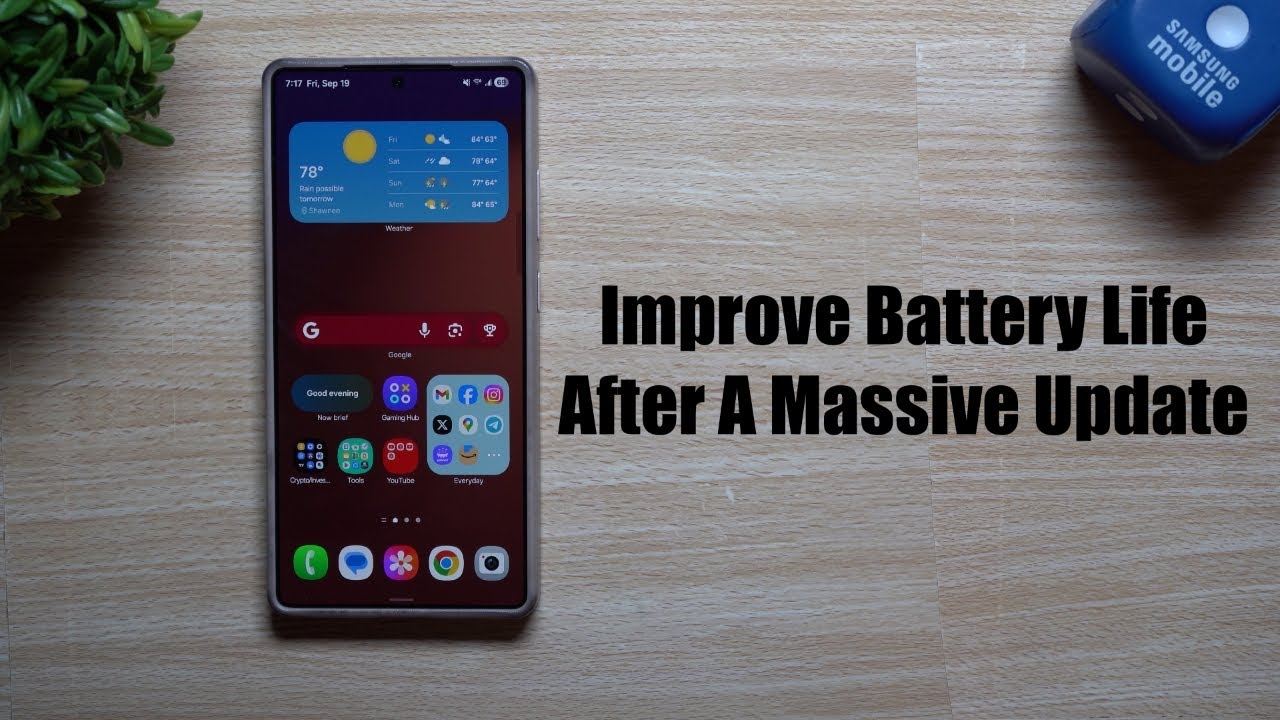
How to Improve Your Device’s Battery Life by Optimizing Settings
Understanding Battery Life Optimization
In today’s fast-paced world, running out of battery on your device can be a major inconvenience. Fortunately, you have the power to extend your device’s battery life by simply optimizing a few key settings. By making smart adjustments, you can keep your device functional throughout the day without constantly searching for a charger. This proactive approach is not only beneficial for your convenience but can also enhance your productivity and even contribute to environmental sustainability.
Why Battery Life Matters
Battery life plays a crucial role in your overall user experience. Here are some compelling reasons to focus on improving it:
- Convenience: No one wants to be tethered to a power outlet. Imagine attending an important meeting or enjoying a day out, only to realize your device is running low. Optimizing battery life prevents these frustrating situations, allowing you to stay connected no matter where you are.
- Productivity: A longer-lasting battery allows you to work or play without interruptions. Whether you’re crafting a presentation, streaming your favorite show, or navigating during a road trip, efficiency can make a big difference in your day-to-day activities.
- Sustainability: Reducing battery drain can help your device last longer, ultimately reducing electronic waste. By extending the life of your device, you’re contributing to environmental conservation, which is increasingly important in today’s eco-conscious world.
To help you get started, we’ll explore various tips and tricks that can significantly enhance your device’s efficiency. These small changes can lead to notable improvements in battery performance, ensuring that you remain connected and productive. For instance, adjusting screen brightness, managing background applications, and disabling unnecessary notifications can lead to substantial battery savings.
Getting Ready to Optimize
Before diving into specifics, it’s essential to understand your device’s settings. Various applications and features consume battery power at different rates; knowing how to manage these efficiently will enable you to leverage your device to its fullest potential. For example, location services often run in the background, draining battery life faster than many users realize. By customizing these settings, you can turn off GPS tracking for applications that don’t require constant location updates, thereby conserving energy.
Additionally, consider using battery saver modes available in most operating systems. These features limit background data usage, reduce screen brightness, and pause non-essential tasks to optimize battery consumption. Exploring your device’s user manual or online support resources can further enhance your optimization efforts.
By taking a few moments to implement these strategies, you will not only maximize your device’s battery life but also enhance your overall experience. Every small adjustment counts, leading to longer battery longevity and a more efficient daily routine.
DON’T MISS: Click here to uncover expert tips
Key Strategies for Optimizing Your Device’s Battery Settings
As the reliance on mobile devices continues to rise, understanding how to improve your device’s battery life becomes essential. The good news is that with a few thoughtful adjustments, you can significantly enhance your battery performance and reduce unnecessary drain. Here are some of the most effective strategies to help you optimize your device’s settings:
1. Adjusting Screen Brightness
One of the most substantial contributors to battery consumption is your device’s screen brightness. Lowering the brightness not only conserves battery life but also minimizes eye strain. Here’s how you can make the most out of this feature:
- Auto-Brightness: Enable the auto-brightness feature, which automatically adjusts screen brightness based on ambient light. This ensures optimal visibility while conserving battery.
- Manual Adjustments: If auto-brightness isn’t available or if you prefer manual control, consider reducing the brightness to a comfortable level when indoors or in dim light.
2. Managing Background Applications
Many applications run in the background, consuming battery life even when you are not actively using them. By managing these applications, you can save a significant amount of energy:
- Close Unused Apps: Regularly check your open applications and close those you are not currently using. This prevents them from consuming precious resources.
- Limit Background Activity: Go through your settings to restrict certain apps from running in the background. Apps like social media or streaming services can often be culprits of excessive battery drain.
3. Disabling Location Services
Location services may be essential for navigation apps, but not every application requires constant GPS access. Adjusting these settings can yield impressive battery savings:
- Selective Use: Turn off location services for apps that don’t need location tracking. You can typically find this option under “Settings,” then “Privacy” or “Location Services.”
- Use Wi-Fi-Based Location: For apps that do require location, consider using Wi-Fi-based location instead of GPS when available, as it generally consumes less battery.
By implementing these strategies, you create a framework for a more efficient device. Simple changes to screen brightness, background application management, and location settings may seem minor, but their cumulative effect can lead to greater battery longevity. In a world where keeping your device charged is critical, these optimizations play a vital role in sustaining your device’s battery performance. Stay tuned for more insights and methods to ensure your device remains your reliable companion throughout the day!
Understanding Battery Optimization Techniques
When looking to enhance your device’s battery life, understanding the various settings available on your device is crucial. One of the primary methods to achieve better battery performance is through screen brightness adjustment. Modern devices can automatically adjust brightness, but manually setting it can lead to significant savings in battery consumption. Reducing brightness in low-light situations can ease the strain on your battery.Another effective strategy is app management. Many applications run in the background, draining your battery without you realizing it. Regularly reviewing and closing unused apps, as well as restricting background data usage for specific apps, can substantially improve battery longevity. Ensure that you take advantage of built-in settings that allow you to limit these apps.Moreover, activating the battery saver mode can drastically extend your device’s uptime. This setting typically reduces performance or limits background activity to conserve power, making it an ideal choice in critical situations.Finally, staying updated on your device’s software is essential. Manufacturers often release updates that include enhancements for battery optimization. Keeping your device updated ensures that you benefit from the latest improvements and fixes that can help you achieve a more efficient battery life.Exploring these optimization techniques empowers users to take control of their device’s battery health. By implementing these suggestions, you can enjoy longer usage times without needing frequent recharges, enhancing your overall experience with your device.
DIVE DEEPER: Click here for expert tips on optimizing cloud storage costs
Additional Techniques for Extending Battery Life
While adjusting screen brightness, managing background applications, and disabling location services are excellent ways to improve your device’s battery performance, there are numerous other settings and habits that can further enhance battery longevity. Consider the following advanced strategies in your quest for optimal battery management:
4. Optimize Connectivity Settings
Your device’s connectivity features, such as Wi-Fi, Bluetooth, and mobile data, can significantly impact battery drain. Here’s how to manage these settings effectively:
- Turn Off Wi-Fi and Bluetooth When Not in Use: Keeping Wi-Fi and Bluetooth enabled can slowly sap your battery, especially if your device is constantly searching for available networks and devices. Turn them off when you’re not actively using them.
- Enable Airplane Mode: In areas with little to no signal, enabling Airplane Mode can prevent your phone from constantly trying to connect to a network, which is a major energy drain. You can toggle Airplane Mode on and off as needed without having to power your device down.
5. Use Battery Saver Mode
Most modern devices come equipped with a Battery Saver Mode or similar power-saving features. Engaging this mode can help you stretch battery life when you need it most:
- Automatic Activations: Configure your device to automatically activate Battery Saver Mode when the battery percentage dips below a certain level, ensuring you have enough power for essential functions.
- Customizable Settings: Familiarize yourself with the options available within Battery Saver Mode. You may be able to selectively enable or disable features such as notifications and background processes to further manage battery consumption.
6. Regularly Update Your Software
Staying up-to-date with your device’s software may seem like a minor aspect, but it plays a vital role in battery performance:
- Optimize for Efficiency: Device manufacturers regularly release updates that may include battery optimizations, bug fixes, and enhancements that improve overall performance. Keeping your device updated can help it run more efficiently.
- Review App Updates: Similarly, app developers frequently roll out updates that enhance app efficiency. Ensure that your apps are not only up-to-date but also genuinely necessary, as unused apps can degrade performance even if they are well-maintained.
7. Manage Notifications Wisely
Notifications can quickly drain your battery, particularly if they wake your device from sleep mode. Here are some tips to better manage notifications:
- Selective Notifications: Turn off notifications for apps that are less important to you. This will reduce the frequency at which your screen lights up and the device checks for updates, conserving battery life.
- Batch Notifications: If available, use settings that allow you to receive notifications in batches rather than in real-time for less critical applications, allowing your device to conserve energy.
Implementing these additional strategies can significantly impact your device’s battery performance, extending its life and ensuring it lasts through the day. In today’s fast-paced, technology-driven world, understanding how to optimize your device’s battery settings is not merely advantageous—it’s essential for maintaining a seamless and productive digital experience. From fine-tuning connectivity options to embracing software updates, each step you take brings you closer to an efficient device that can keep up with your lifestyle.
DON’T MISS: Click here to discover cost-saving strategies
Conclusion
In the modern age where smartphones and portable devices are an integral part of our daily lives, understanding how to optimize your device’s battery life is not just a convenience—it’s a necessity. We have explored numerous strategies that can dramatically enhance your battery performance, from adjusting brightness settings and managing connectivity options to utilizing battery saver modes and keeping your software updated. These practical tips empower you to take control of your device’s energy consumption, ensuring it not only lasts through the day but also operates at peak efficiency.
Consider the implications of these adjustments: a proactive approach to battery management can lead to extended screen time for your favorite movies, uninterrupted communication with loved ones, and enhanced productivity during busy working hours. Each simple tweak may present an opportunity to reduce power drain and align your device’s performance with your lifestyle needs. As you implement these strategies, don’t forget the importance of staying informed. Technology evolves at a rapid pace, and manufacturers continuously release updates aimed at enhancing efficiency and battery life. Make it a practice to regularly check settings and apps for their latest optimizations.
Finally, consider this journey of battery optimization as not merely about conserving power but about enhancing your overall digital experience. By diligently managing your device’s settings, you are investing in a smoother, more enjoyable interaction with your tech, something that everyone in today’s fast-paced society can appreciate. With these insights in hand, you are better equipped to enjoy uninterrupted access to the digital world around you.

Beatriz Johnson is a seasoned tech writer and digital tools expert with a passion for simplifying the complexities of technology and mobile applications. With over a decade of experience in the tech industry, she specializes in topics like productivity apps, software reviews, and emerging digital trends. Through her work, Beatriz empowers readers to make informed technology choices and stay ahead in the ever-changing world of apps and innovation.